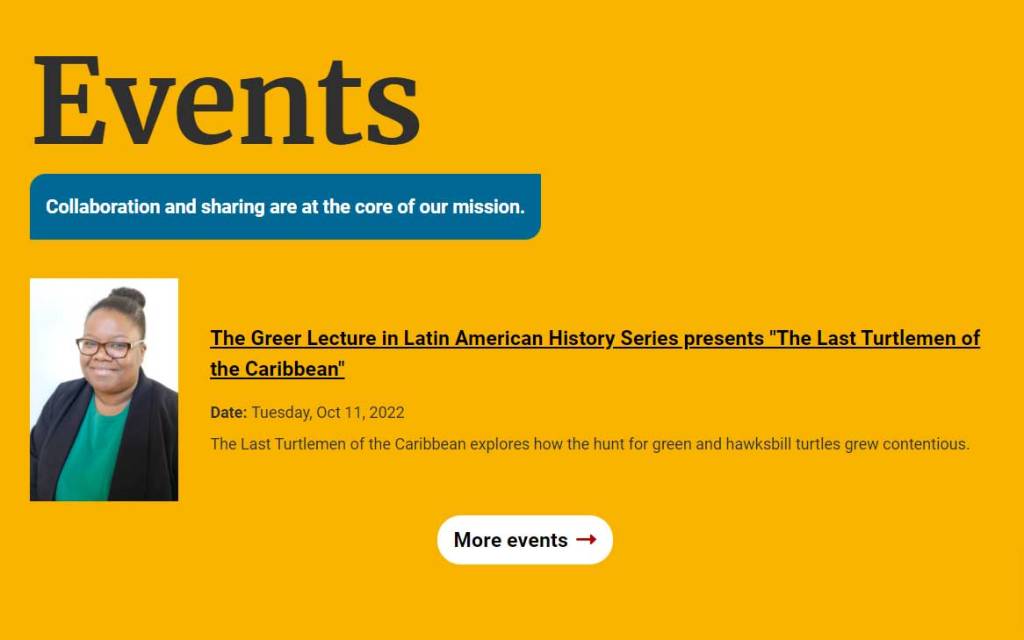
Problem
As part of the multisite redesign, design a new events plugin that is easier to use for content managers and creates opportunities for a richer and more engaging display. The old plugin was essentially one big WYSIWYG, so the displays of event information varied wildly across our almost 40 site portfolio with no standard presentation. Event advertisements were generally very poor quality as most content managers do not have CSS skills, which would have been required to achieved desired displays without built-in fields for handling basic tasks such as restraining the size of and floating an image.
My Role
I designed, developed and provided documentation/training on the new events plugin at my own initiative.
Before / After
List Layout Before
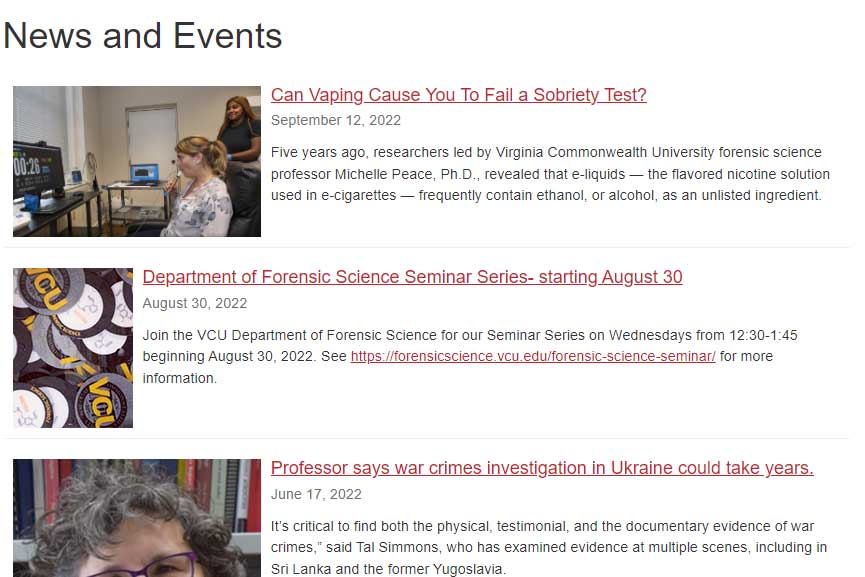
List Layout After
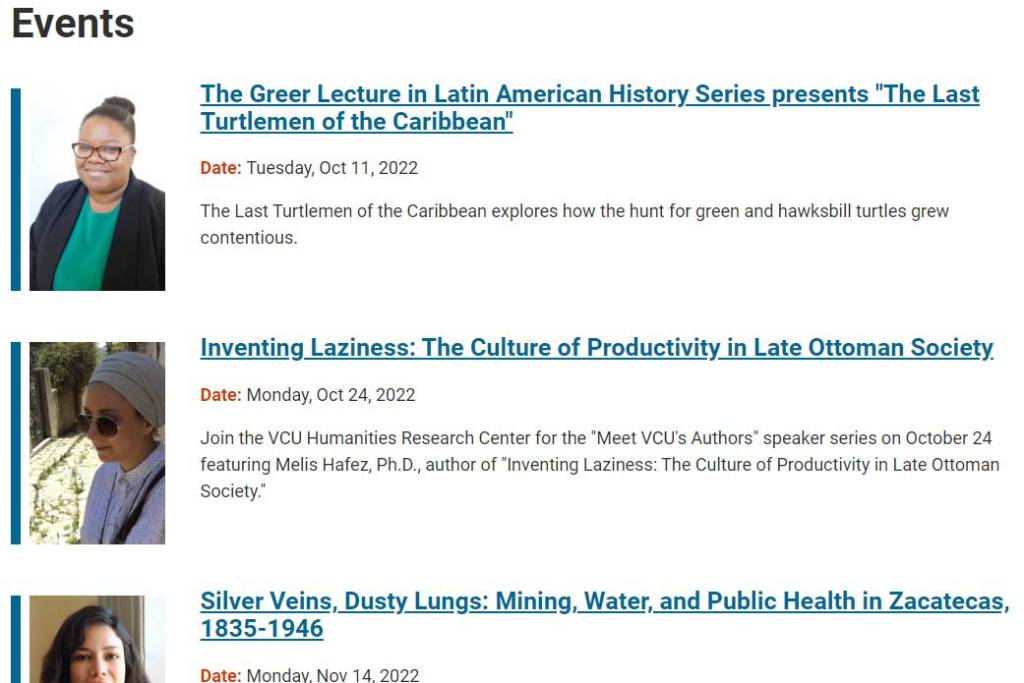
Full Text Before
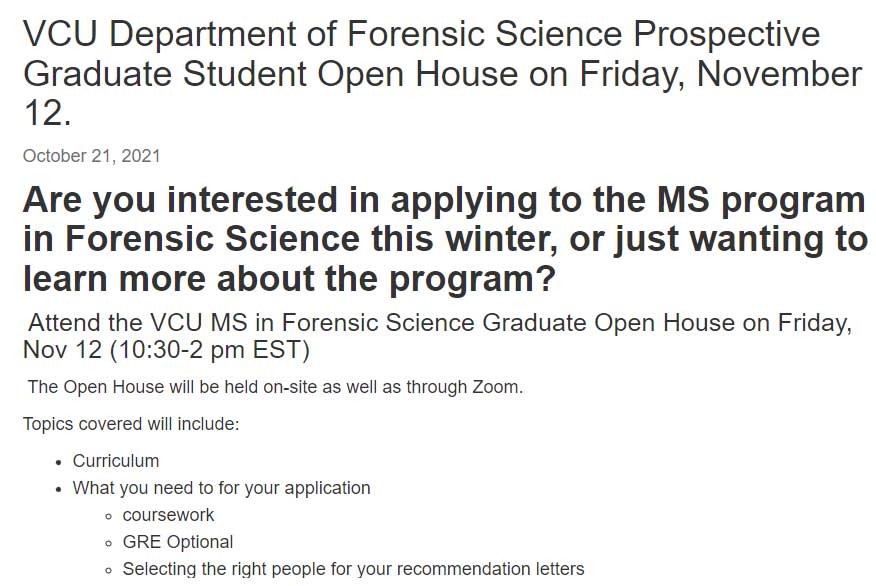
Full Text After
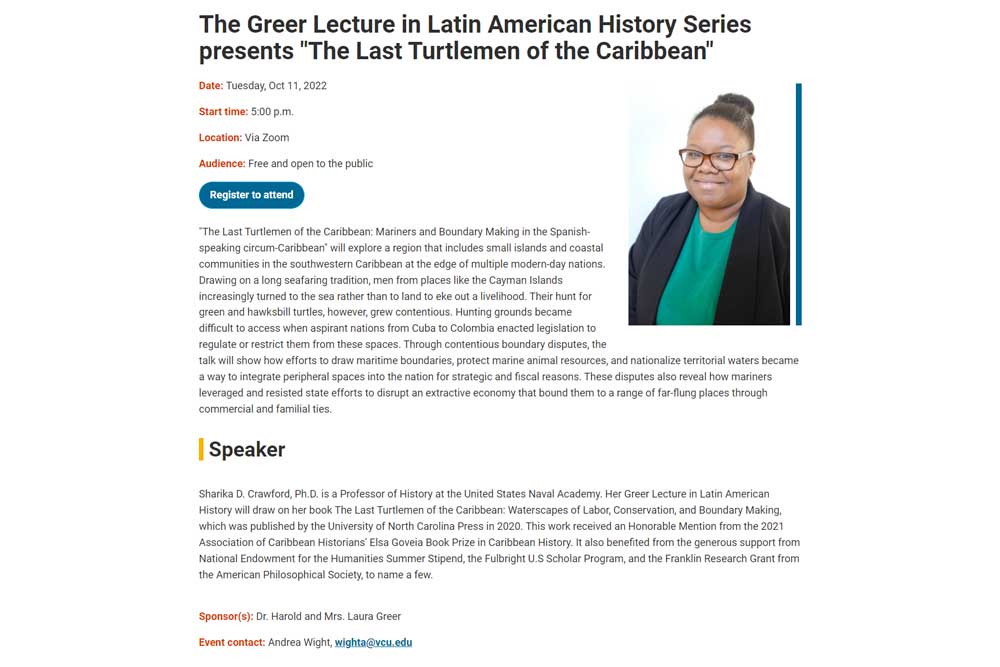
Home Page Layout Before
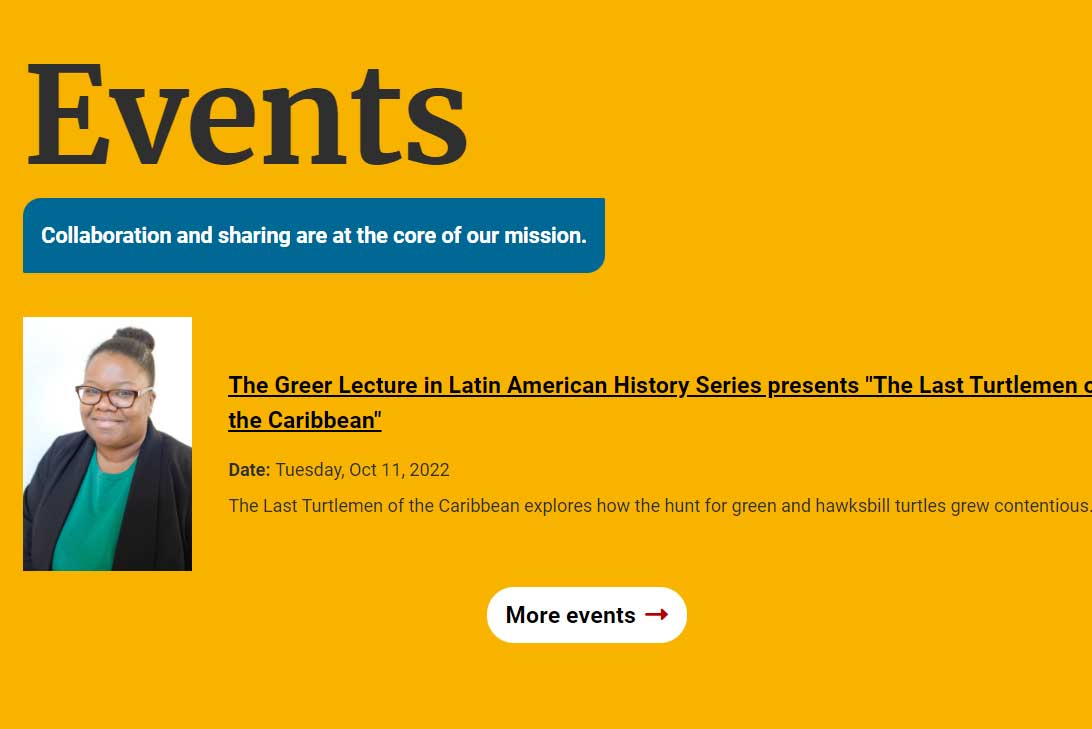
Home Page Layout After
Featured Skills
- HTML, CSS, Javascript
- TerminalFour CMS (programmable layouts, specifically)
- Device agnostic design
- Compass web framework
- UX
- Creative problem-solving
Functionality
A list of upcoming events publishes to a main /events/ page (e.g., History Department Events) according to date with past events programmed to roll off the page automatically when the event date and time has passed (I wanted to help content managers avoid having outdated content on their key pages). If there are no upcoming events, a message appears on the page that says, “No upcoming events are scheduled at this time. Check back soon!”
I also programmed a feed into the home page that displays only when there is at least one upcoming event. If there are no upcoming events, it does not appear at all.
For expired events, content managers can choose to move them to an events archive page and republish, if desired, or delete altogether.
Input Fields
Fields are named in such a way so as to promote standards (e.g., instead of naming a field ‘Image’ as would be customary, I named it ‘4:6 image’ to remind content managers of the ratio to use for the image). Other tips for content managers are offered upon hovering over the field name or input box as well as in the plugin’s documentation. For instance, if you hover your cursor over the teaser text field, a tip pops up that says ‘A brief 1-2 sentence description of the event that does not include the title,’ again, to promote best practices, consistency and standards.
Challenges
In the old plugin, content managers had to input most of the information into the WYSIWYG, which created wild variations in display consistency within any given site. With the new version, I made multiple auto-output fields to eliminate that problem. For example, the user uses a simple time and date calendar picker for the date time and date and a bit of regex transforms the input to output in a standard, AP-style manner.
I wanted the main /events/ page to have standard thumbnail image sizes so there was consistency all the way down the page to avoid the haphazard-look of the old plugin. Though I have used a 4:3 standard size in other plugins, I settled on 4:6 after researching many current use cases and noting that headshots and/or book covers were far and away the most common media desired for an event posting—neither of which are conducive to a 4:3 crop.
Our content managers vary in their needs for maintaining an archive of past events. I discourage such pages since the content is low value, poorly trafficked, difficult to maintain over time and contributes to site bloat. Still, there are a couple cases across my portfolio where it is necessary and there is a good business reason for having them. As such, one early challenge was how I was going to meet my goal of having both auto-expiring content and the ability to keep, if desired, for an archive. The solution I landed on let me program the plugin in such a way as to expire from publishing to the live site, but stick around on the content manager dashboard in a manner that could be moved easily to an archive by a simple drag and drop.
User Documentation
In addition to keeping coding/revision documentation on the plugins I develop on Bitbucket, I create a user guide for each that is geared toward content managers on a shared wiki. View an exported version of that particular page by selecting ‘Download’ below.
 Jen Elswick